Artist Portfolio PDF Template for Illustrators
Illustrator portfolio PDF template with a downloadable example. Present editorial and narrative projects, not only isolated images, in a clean submission PDF.
This is a fictional artist portfolio created with MyArtPDF to demonstrate a realistic portfolio structure and PDF export.
June Park — Editorial and Narrative Illustration
An illustration-portfolio example organised around projects, with a project statement titled Selected Editorial Projects.
Download the illustrator portfolio sample PDF Download MyArtPDF for Mac
What's inside this portfolio
This sample uses the sections below. You can include a cover, table of contents, artist statement, project statement, biography, CV, artworks, and a contact page. None of these is universally required except where a call specifies it.

-
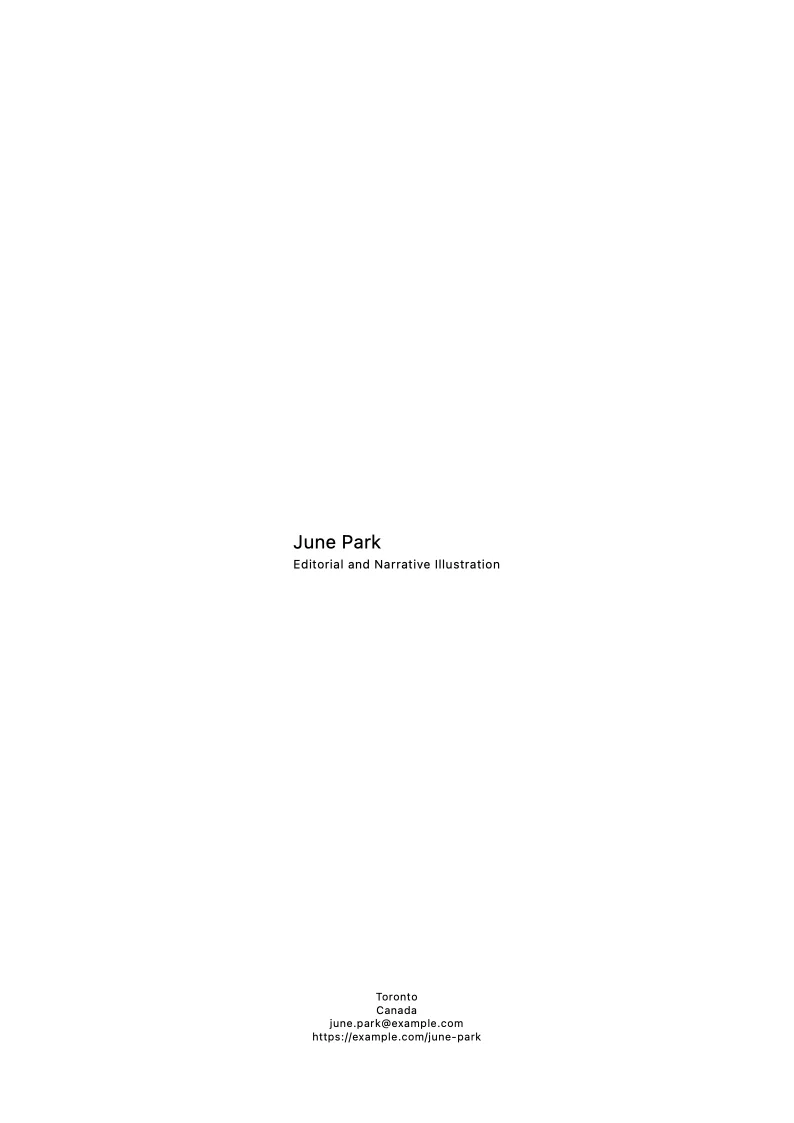
Cover
A quiet opening page with the artist name, project title, and year. No logo wall, no decorative layout.
-
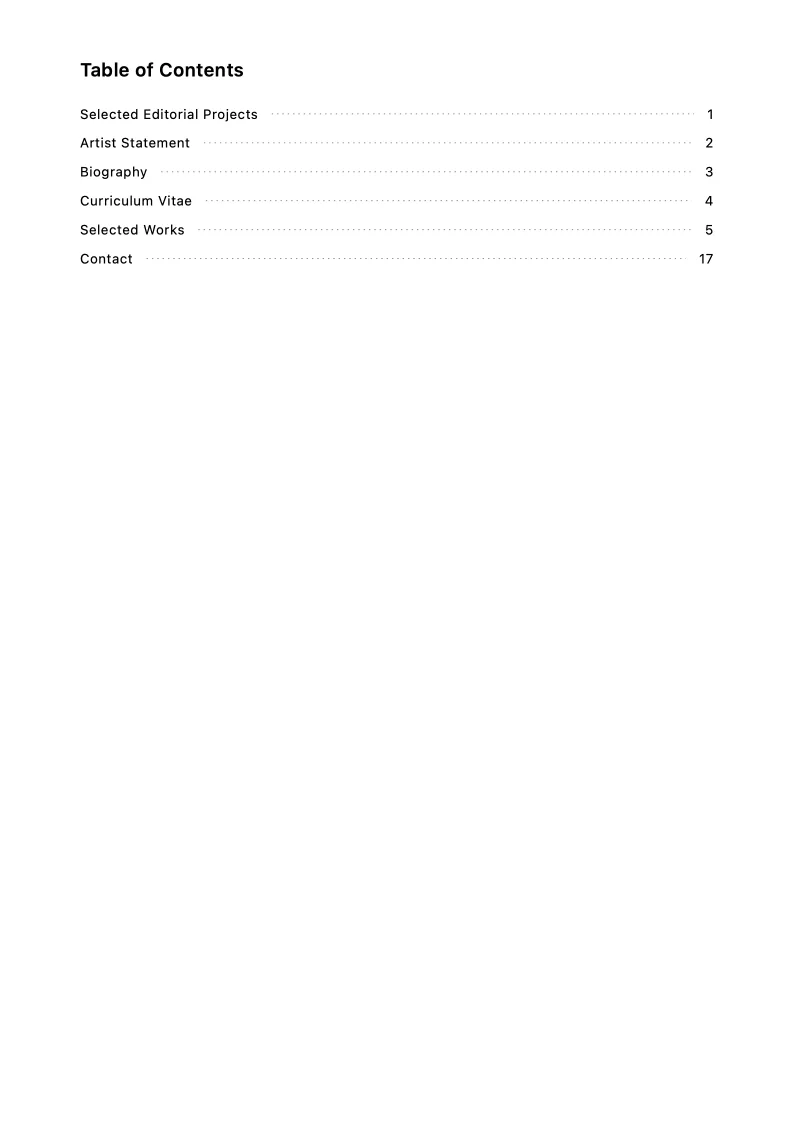
Table of contents
Generated automatically by MyArtPDF with page numbers calculated from the final document. Especially useful when the PDF includes statements, a CV, and several artwork pages.
-
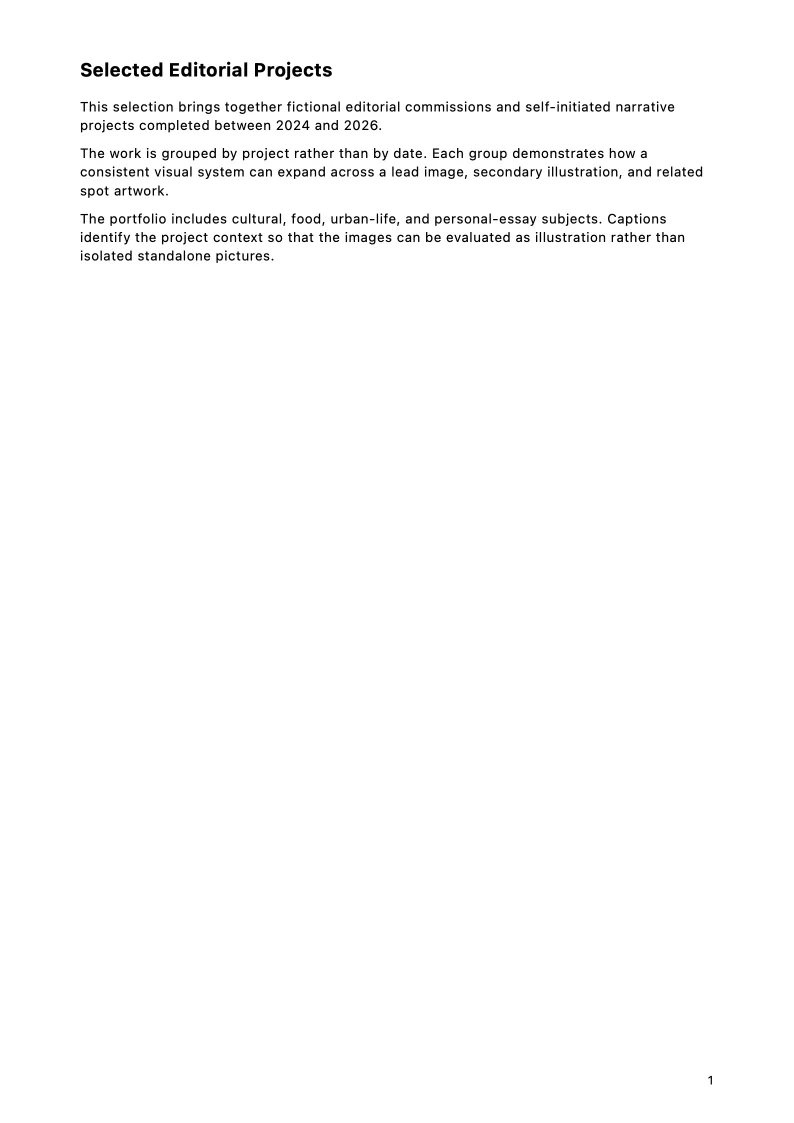
Project statement (Selected Editorial Projects)
Optional. Used when the portfolio needs context for a specific body of work, series, research question, or application.
-
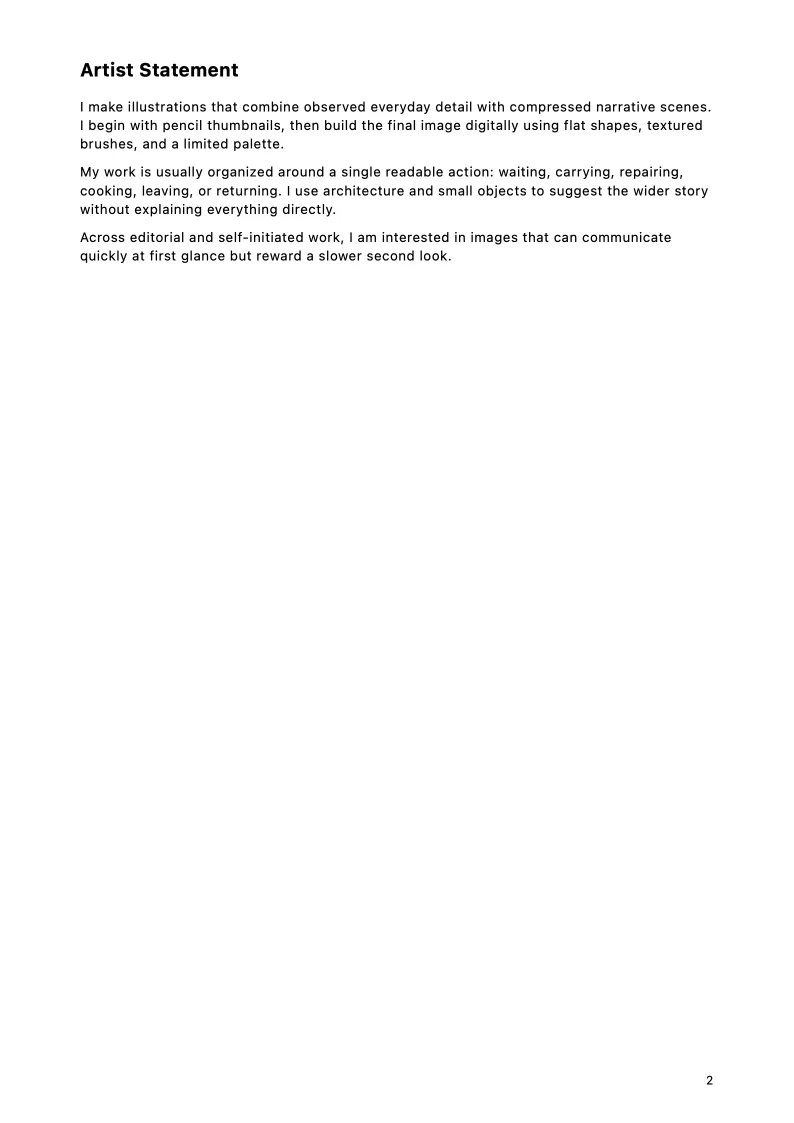
Artist statement
Describes the artist's overall practice. Optional in some submissions; this sample includes one.
-
Biography
A short professional background. Optional depending on the call; this sample includes one.
-
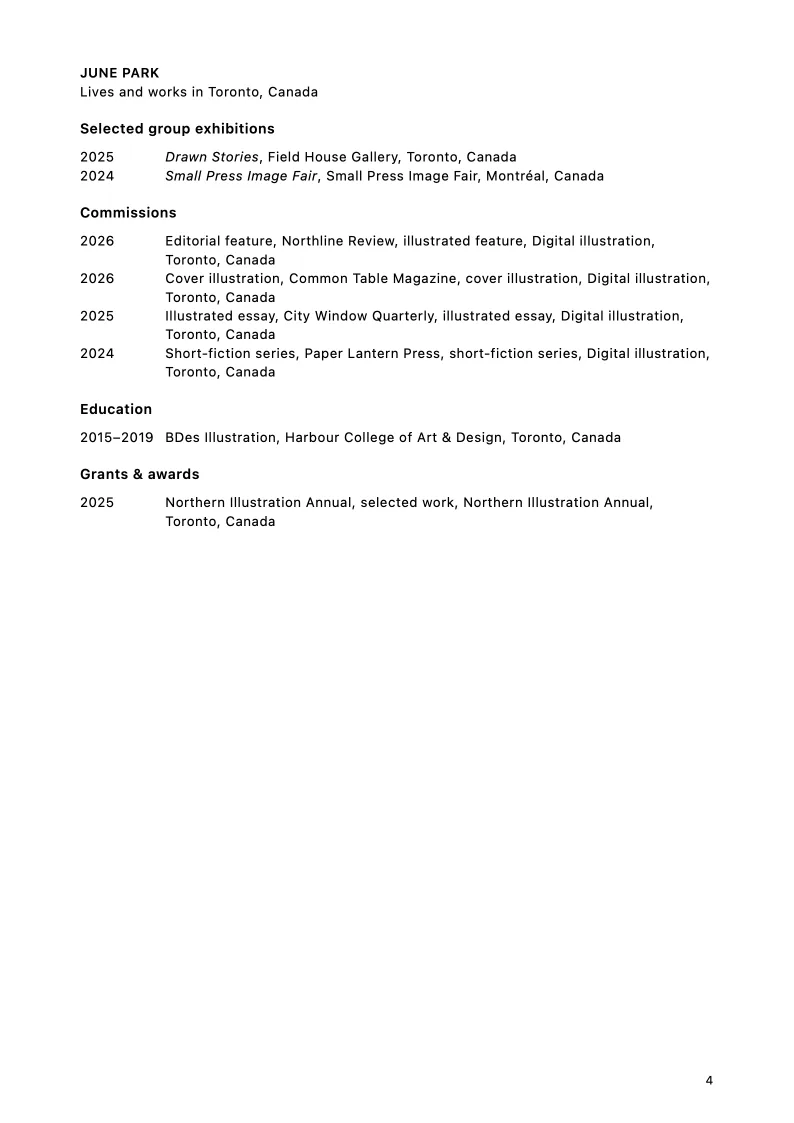
Artist CV
Structured artist CV content using the categories MyArtPDF supports. Optional if the call asks for a separate CV file.
-
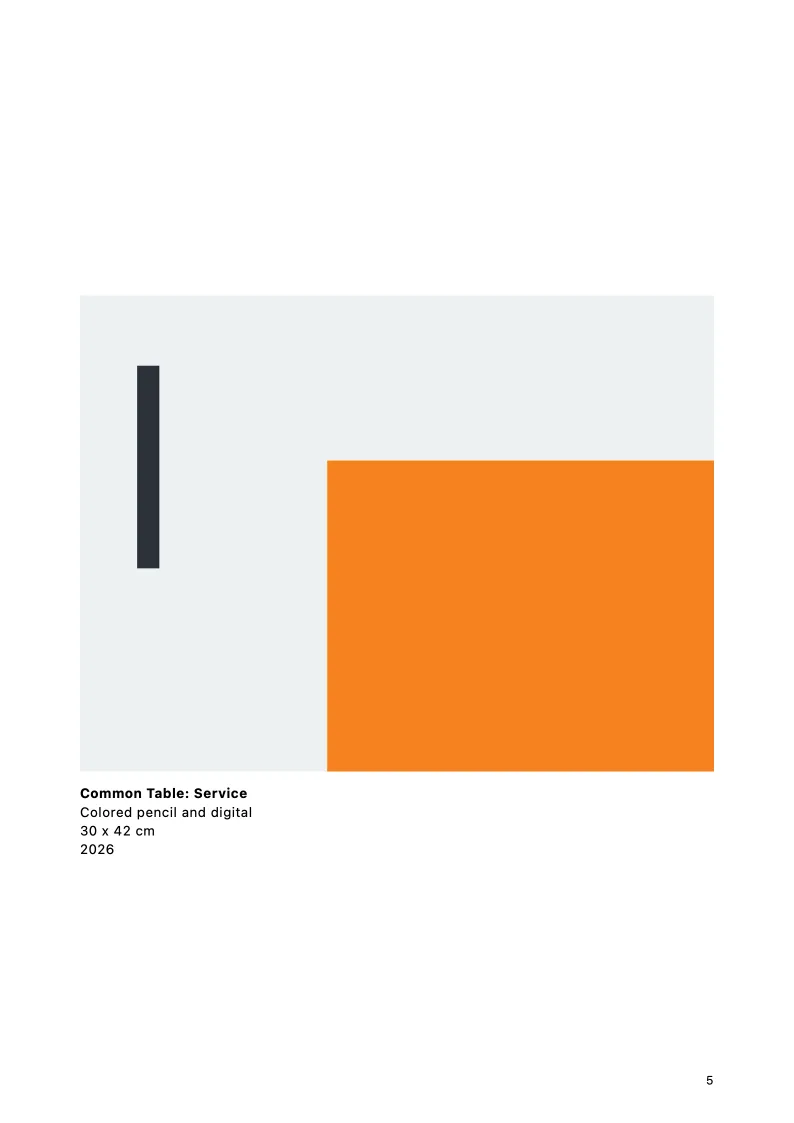
Artwork pages
The selected work in project order, with consistent captions.
-
Contact page
Generated closing page using the artist's project contact details.
Projects, not isolated pictures
Illustration portfolios are often read as jobs: a magazine sequence, a picture-book stretch, a narrative cycle. One hero image with no siblings can look like a sample sheet rather than a practice.
Group related images. Keep the order a reader would meet them in print or on screen. The sample project Editorial and Narrative Illustration is organised that way.
Selected Editorial Projects
This sample includes a project statement titled Selected Editorial Projects. Use that slot when the PDF is about a cluster of assignments or a narrative body of work, not only a general artist statement.
Keep client or brief context short and factual. Do not invent publications, awards, or clients. If a call wants unpublished personal work only, say so in the statement and leave the captions quiet.
Spreads, role, and captions
If the work is a spread, show the spread. If you were one of several contributors, a short role line is enough. Captions still need title, year, and medium; add dimensions when the object is a printed piece being reviewed as an object.
Submission checklist
- Check the submission's requested file format.
- Check the maximum file size.
- Check the requested number of works.
- Use consistent artwork titles, dates, media, and dimensions.
- Use a clear filename.
- Confirm contact details.
- Open the final PDF and inspect every page before submitting.
- Present projects, not only isolated images.
- Keep role and context short when a client or brief is relevant.
- Preserve narrative or series order when the work is sequential.
- Always follow the submission requirements of the gallery, residency, school, grant, or open call you are applying to.
Build your own artist portfolio PDF
MyArtPDF turns your artwork, statements, biography, CV, and project details into a clean submission-ready PDF on Mac. Sections you do not need can stay off.