Art School & MFA Portfolio PDF Template
Art school and MFA portfolio PDF template with a downloadable example. Structure cover, TOC, artist statement, research statement, CV and artworks: school instructions always win.
This is a fictional artist portfolio created with MyArtPDF to demonstrate a realistic portfolio structure and PDF export.
Lena Okafor — MFA Application Portfolio
An MFA-application example with a table of contents, an artist statement, and a separate research statement. School instructions always take precedence.
Download the MFA portfolio sample PDF Download MyArtPDF for Mac
What's inside this portfolio
This sample uses the sections below. You can include a cover, table of contents, artist statement, project statement, biography, CV, artworks, and a contact page. None of these is universally required except where a call specifies it.
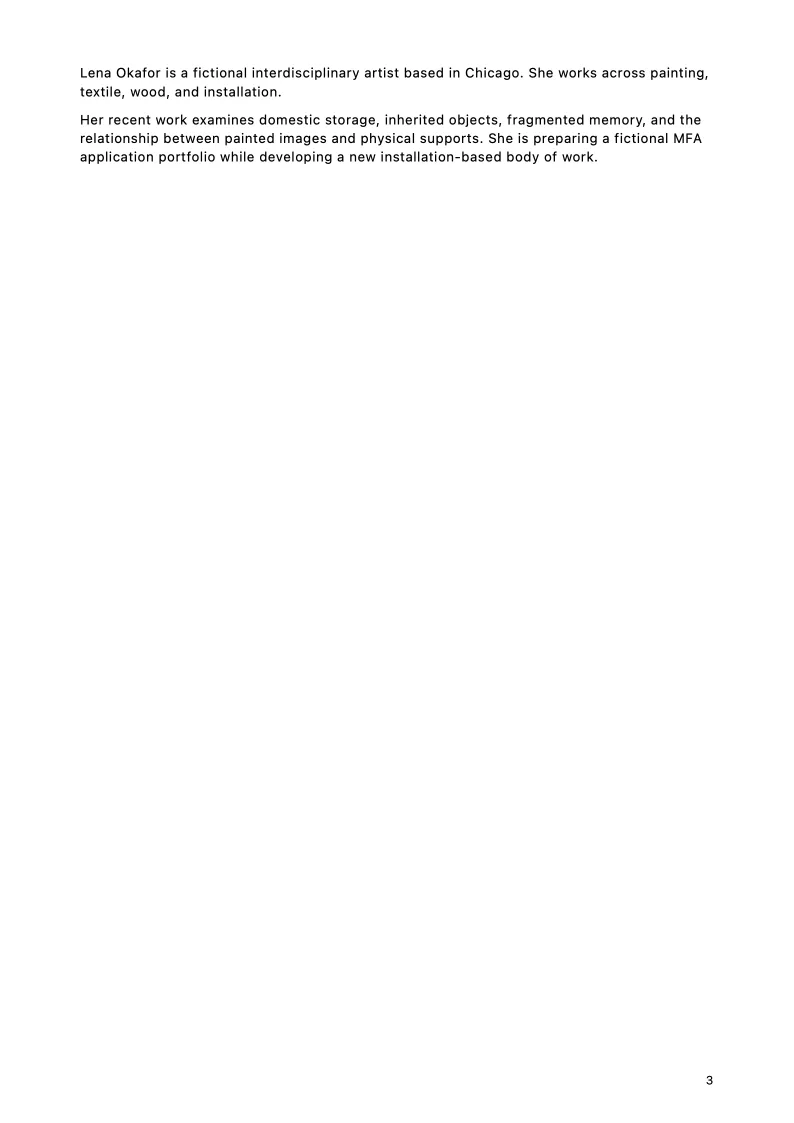
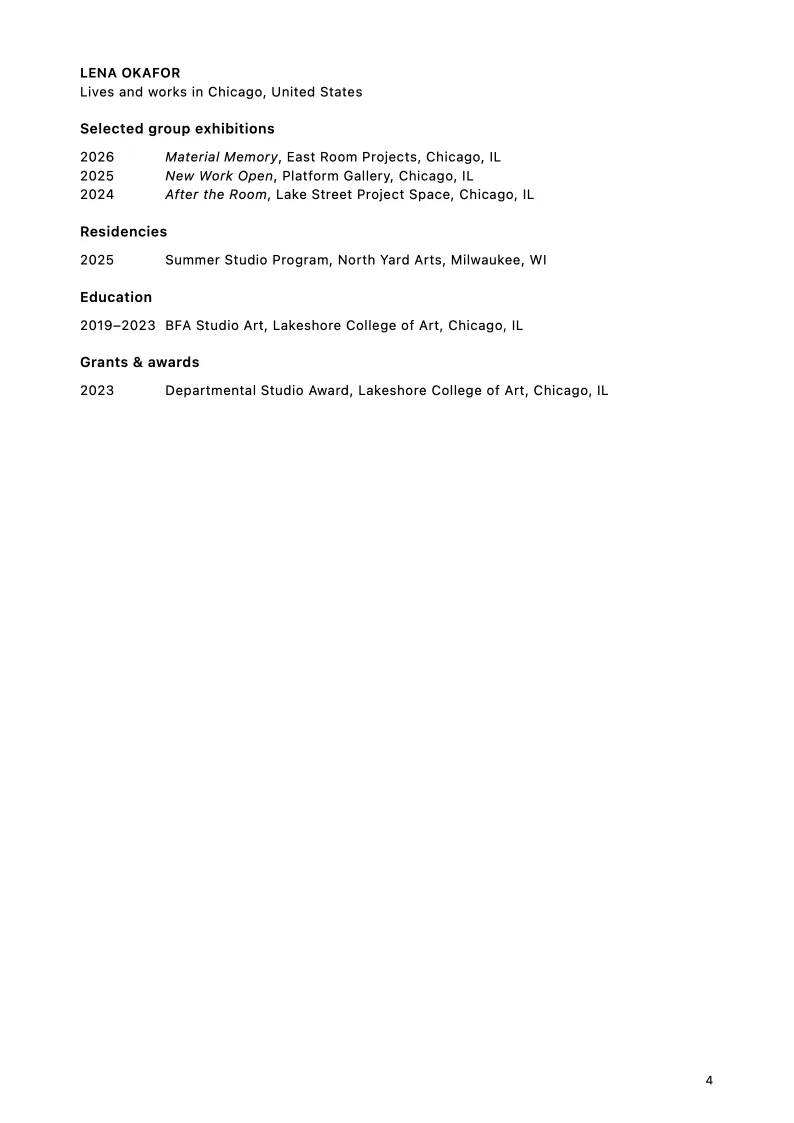
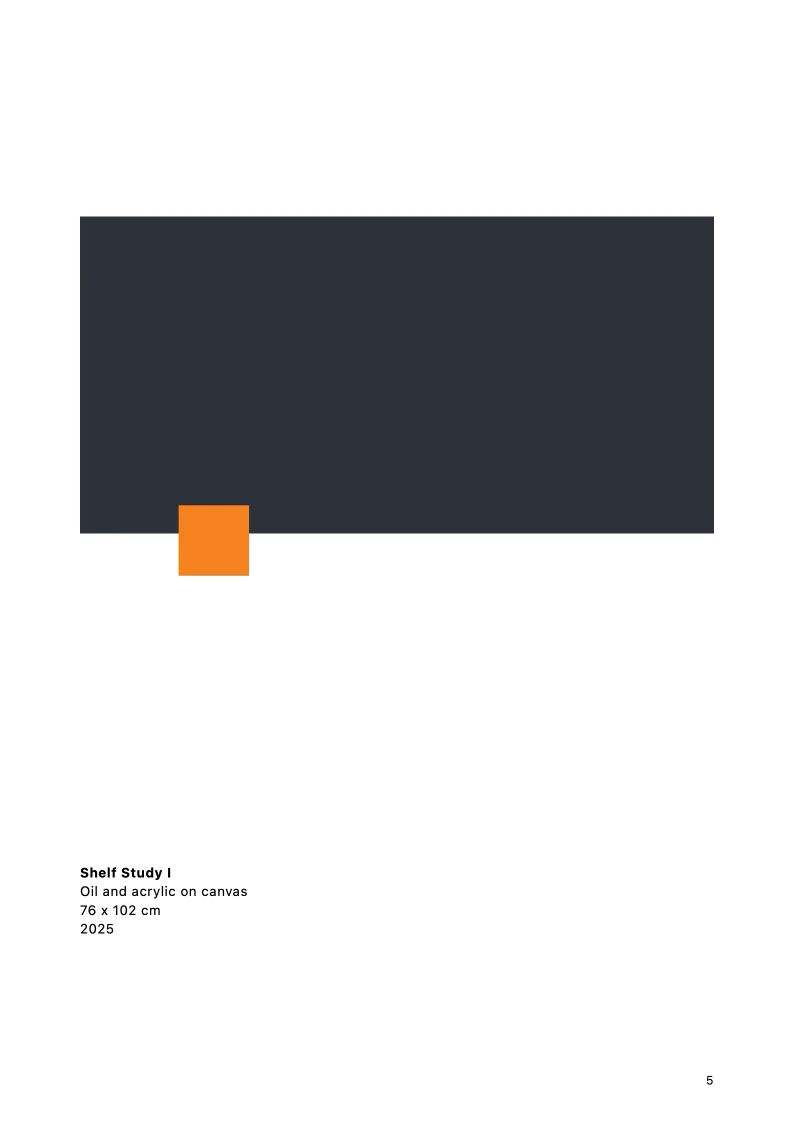
-
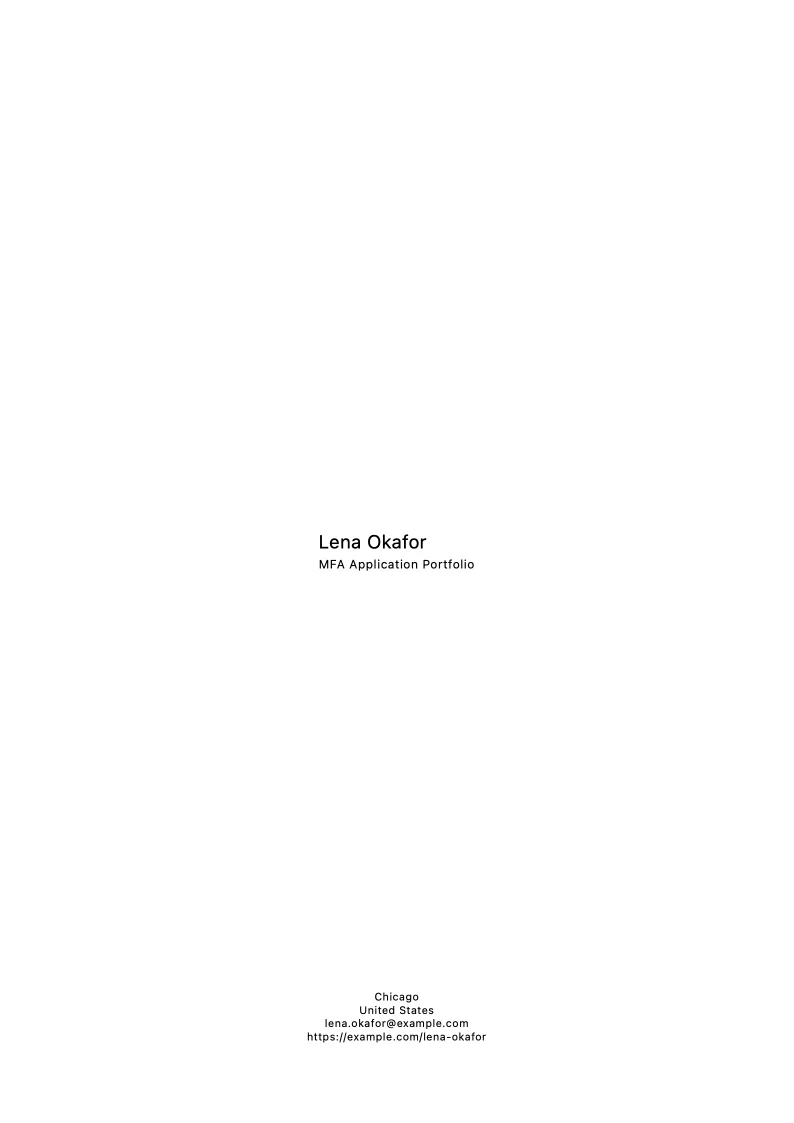
Cover
A quiet opening page with the artist name, project title, and year. No logo wall, no decorative layout.
-
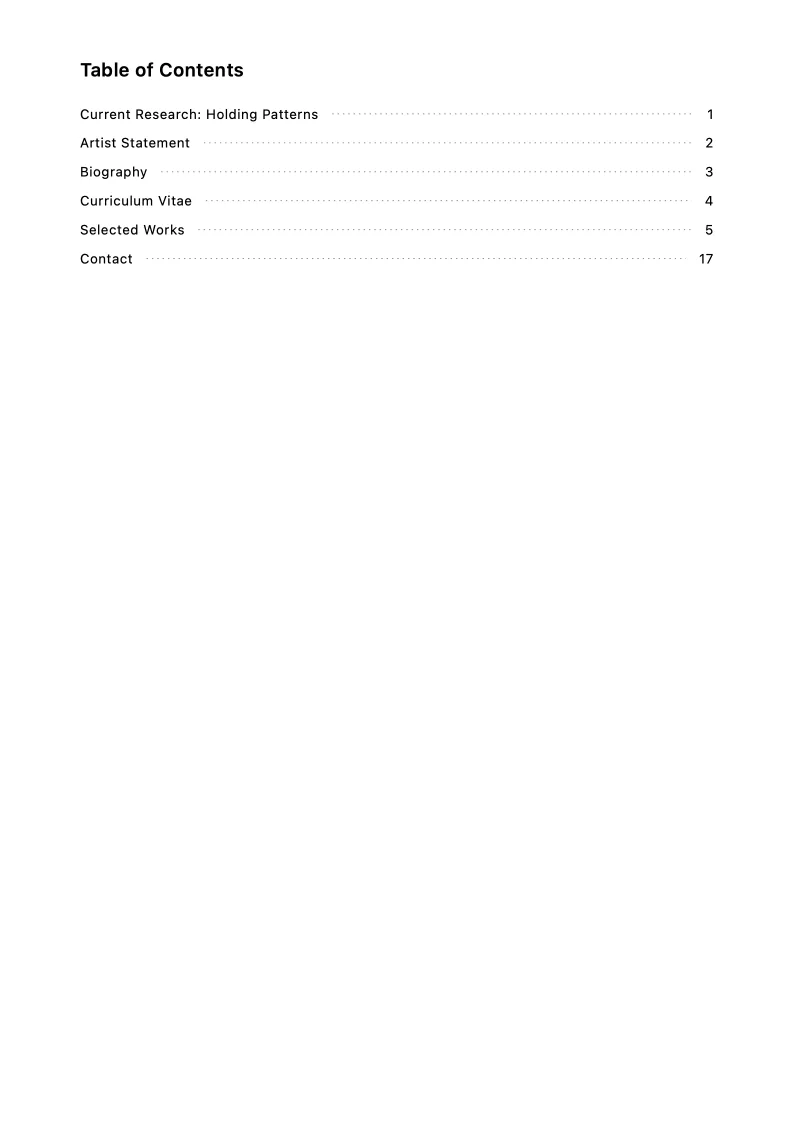
Table of contents
Generated automatically by MyArtPDF with page numbers calculated from the final document. Especially useful when the PDF includes statements, a CV, and several artwork pages.
-
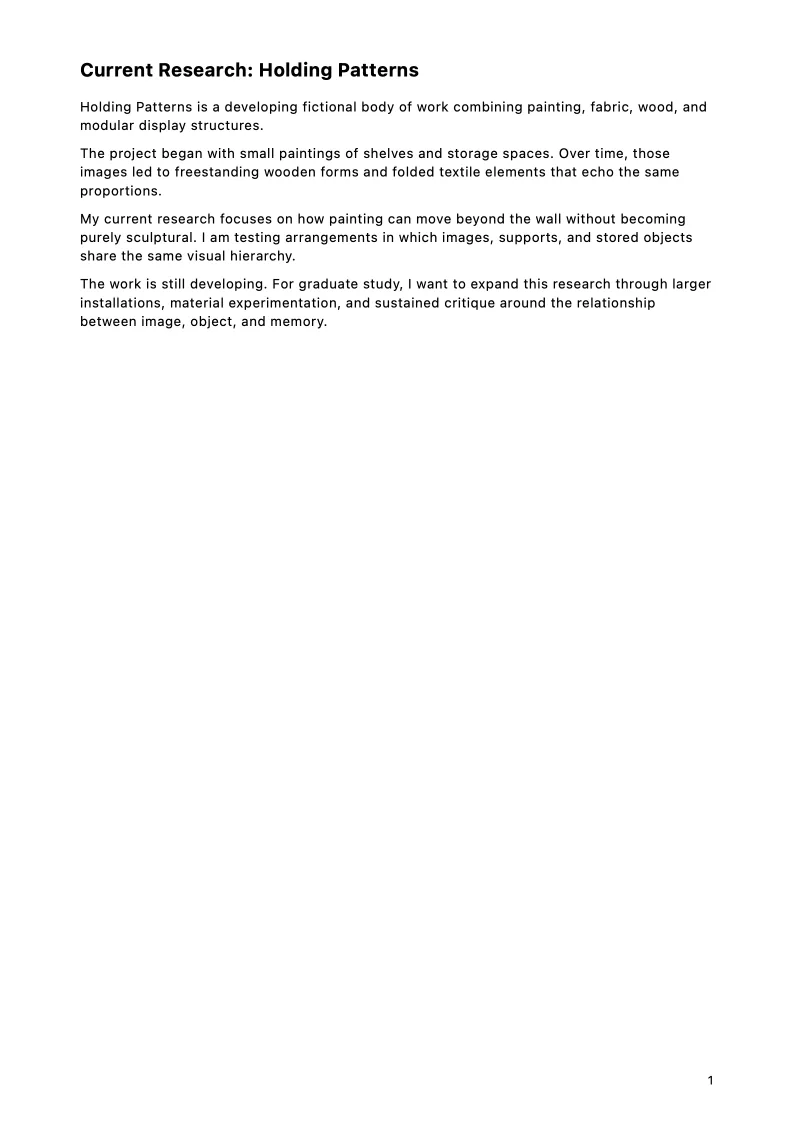
Project statement (Current Research: Holding Patterns)
Optional. Used when the portfolio needs context for a specific body of work, series, research question, or application.
-
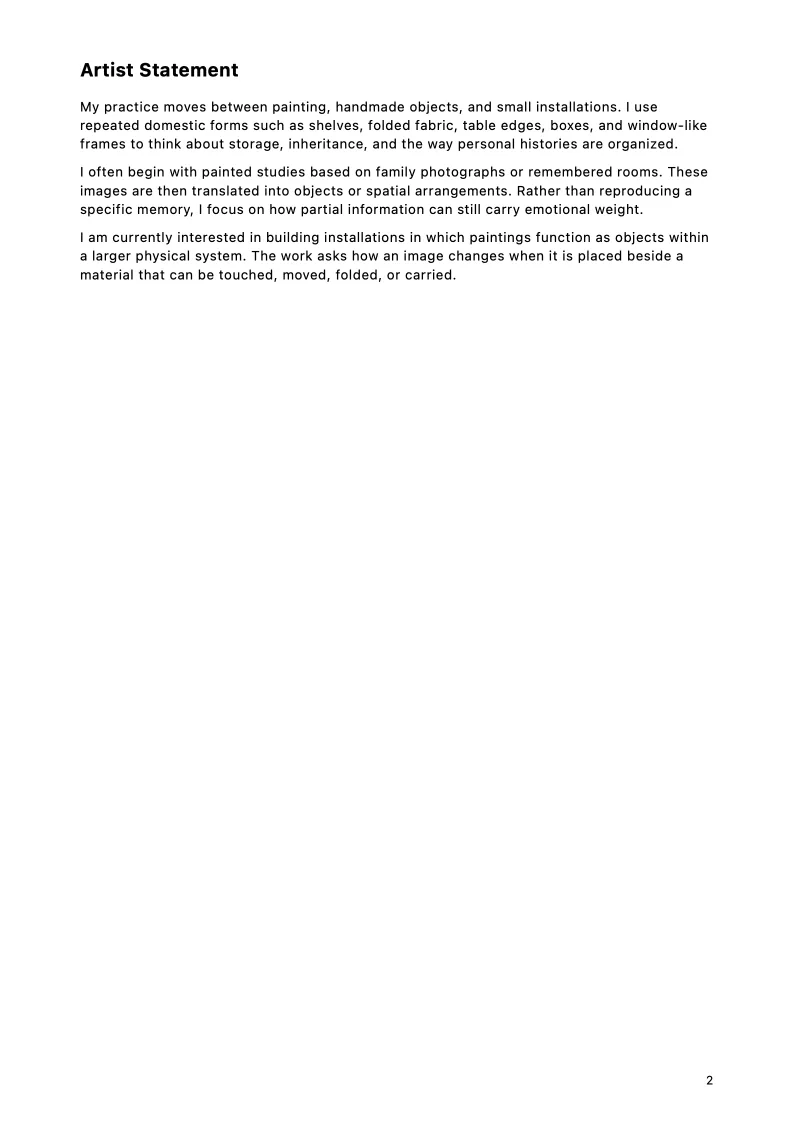
Artist statement
Describes the artist's overall practice. Optional in some submissions; this sample includes one.
-
Biography
A short professional background. Optional depending on the call; this sample includes one.
-
Artist CV
Structured artist CV content using the categories MyArtPDF supports. Optional if the call asks for a separate CV file.
-
Artwork pages
The selected work in project order, with consistent captions.
-
Contact page
Generated closing page using the artist's project contact details.
How art school portfolios differ from gallery portfolios
Admissions readers are looking for a practice they can teach with, not a commercial catalogue. They usually want evidence of enquiry, a coherent group of works, and writing that is specific without being ornamental.
A gallery PDF can sometimes live on pictures and a short CV. An MFA PDF more often needs both an artist statement and a research or project statement. This page is not a universal school format. It is a readable structure you can adapt when a program does not hand you a template.
Artist statement vs project / research statement
Artist statement = overall practice: how you work, what holds the work together across projects.
Project / research statement = the specific body of work, current research, or application context. In this sample that page is titled Current Research: Holding Patterns.
Do not paste the same text into both slots. If a school asks for only one statement, follow that instruction and turn the other page off in MyArtPDF.
A readable MFA page order
MyArtPDF can include a cover, a table of contents, a project statement, an artist statement, a biography, a CV, artwork pages, and a contact page. The sample uses all of those. You should not assume every school wants every section.
A table of contents is especially useful in an application PDF because readers jump between writing and images. Keep the CV education-forward: programs, degrees in progress, relevant study, then exhibitions if they help. Do not pad with fictional awards.
School requirements always take precedence
Before you export, read the program PDF or portal: artwork count, file size, file format, naming, statement length, whether images and writing must be separate files.
If the school wants 10 works and 500 words, send that. If it wants a slide list and no statement inside the PDF, do not force this sample’s shape. MyArtPDF is there to keep the pages readable once you know what the school asked for.
You can keep the project as a .myartpdf file, update works and texts, and export again for the next deadline without rebuilding the layout in a general design tool.
Submission checklist
- Check the submission's requested file format.
- Check the maximum file size.
- Check the requested number of works.
- Use consistent artwork titles, dates, media, and dimensions.
- Use a clear filename.
- Confirm contact details.
- Open the final PDF and inspect every page before submitting.
- Follow the exact school or program instructions.
- Respect requested statement length.
- Respect requested artwork count.
- Do not assume one school's requirements apply to another.
- Always follow the submission requirements of the gallery, residency, school, grant, or open call you are applying to.
Build your own artist portfolio PDF
MyArtPDF turns your artwork, statements, biography, CV, and project details into a clean submission-ready PDF on Mac. Sections you do not need can stay off.